If you are looking for a unique and engaging multisensory experience for your therapeutic or educational interventions, you are in the right place. In this article, we present five different controllers that allow users to interact with an SHX Multisensory Room in accessible and meaningful ways. Get ready to change how you interact with your multisensory space!
Control an SHX sensory room with the Sensory Cube
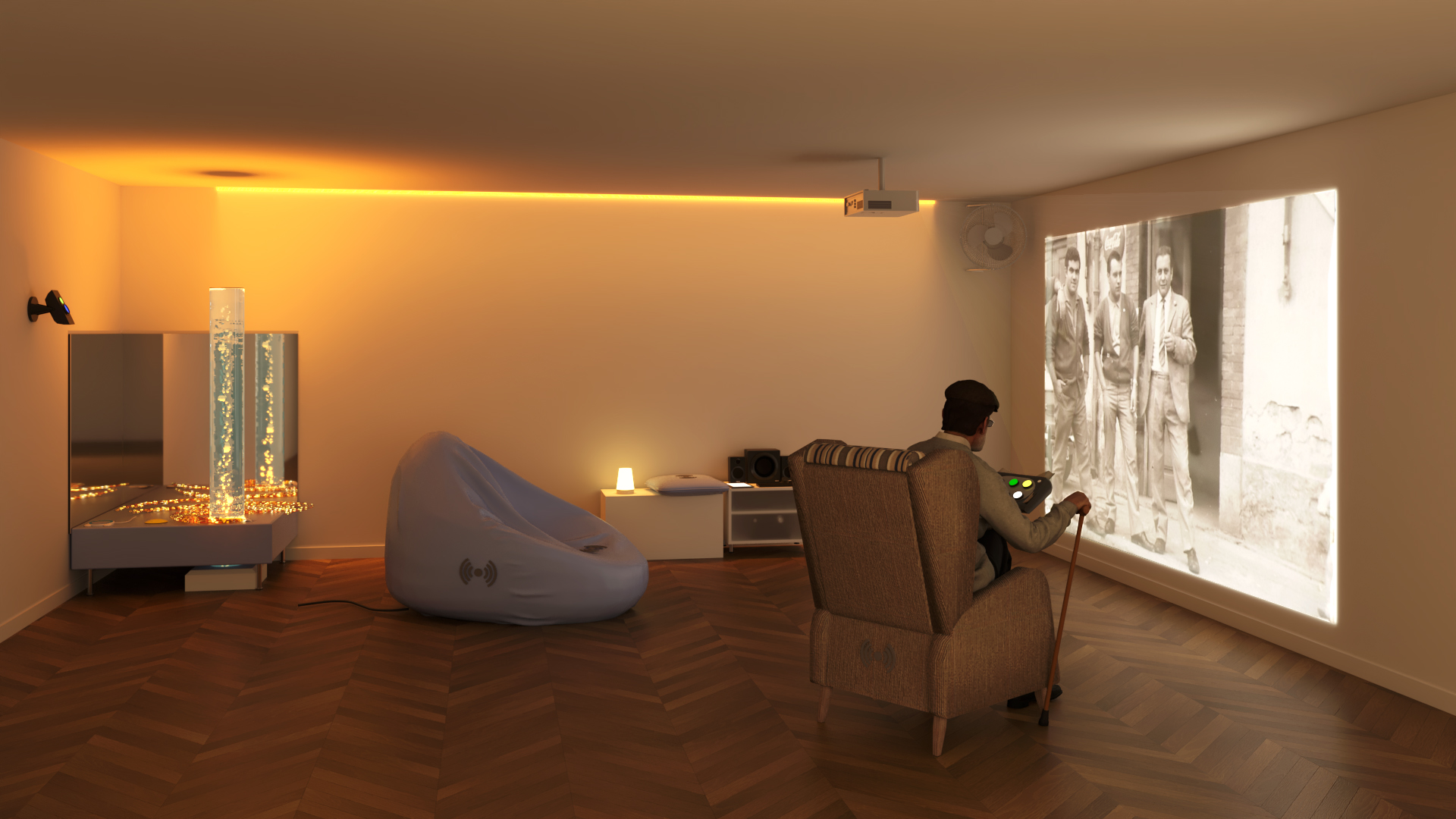
The Sensory Cube is a wireless controller that turns interaction into something intuitive and playful. It allows users to activate and control different elements of the space, either individually or simultaneously. Imagine changing the colors of your sensory room lighting simply by rolling a dice. Each face of the cube can be customised with an image, making it easy to design unique sensory sessions and adapt activities to different goals, users, or moments.
Changing the colors of your Luminea devices has never been so fun and educational. This interaction supports the development of skills such as cause-and-effect understanding, joint attention, and fine motor skills.
With the Sensory Cube, you simply roll the cube and watch as the colors of your Luminea lighting devices change. Your bubble tube, fiber optics, ball pool, and LED lights can all light up according to the color shown on the cube. The experience can be further enriched by combining it with the Luminea App, opening up even more possibilities for sensory stimulation and play.
Users actively engage in this immersive experience, encouraging skills such as choice-making, memory, and communication.
Interaction through movement with the Sensory Step
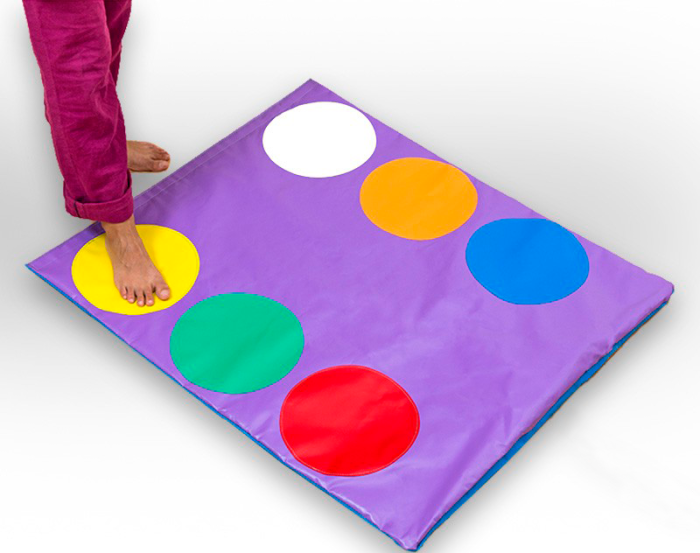 The Sensory Step is a wireless, color-coded mat that gives you full control of your multisensory room. Like the Sensory Cube, it allows users to control Luminea devices individually or change the audiovisual scenes included in the SHX System.
This mat is ideal for those looking for a simple and versatile setup. Imagine changing the lighting colors with a single step or transforming the room into a new themed environment just by stepping on the mat.
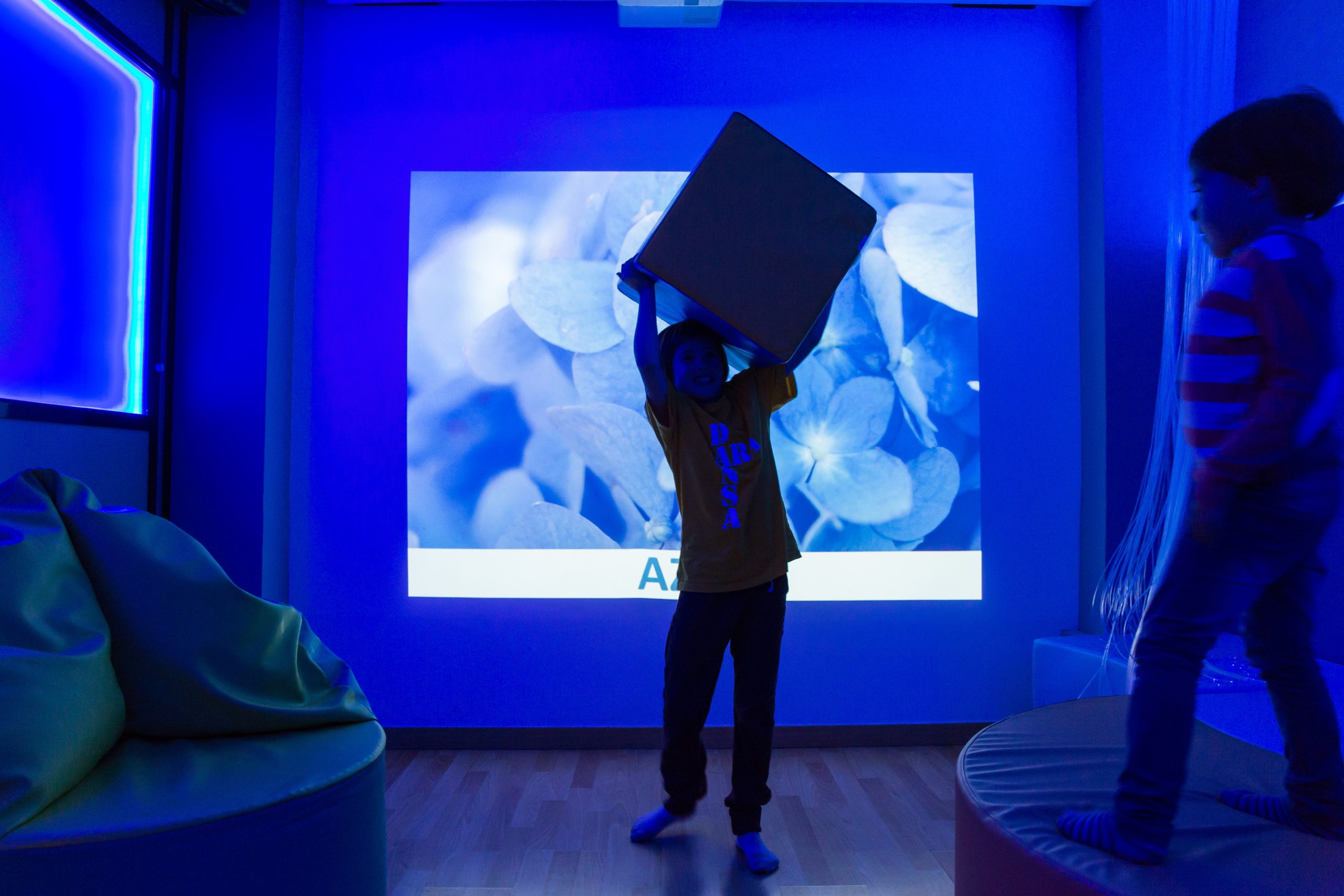
Step on yellow to change the colors of the bubble tube, jump on red to switch the fiber optics or ball pool. Interaction with the Sensory Step places users at the center of the experience, encouraging active participation in sensory stimulation and supporting learning and development.
The Sensory Step allows you to control your multisensory environment using your feet. Simply step on one of the colored buttons and transform the entire room into a new themed environment. Images, videos, sounds, vibrations, and other immersive effects can be triggered just by stepping on the mat—promoting active engagement and the development of social skills, among others.
Bring objects to life with SHX Proximity
SHX Proximity offers an innovative way to interact within a multisensory room. This technology allows real objects to be used to modify the environment and transform the room into a themed space directly linked to those objects.
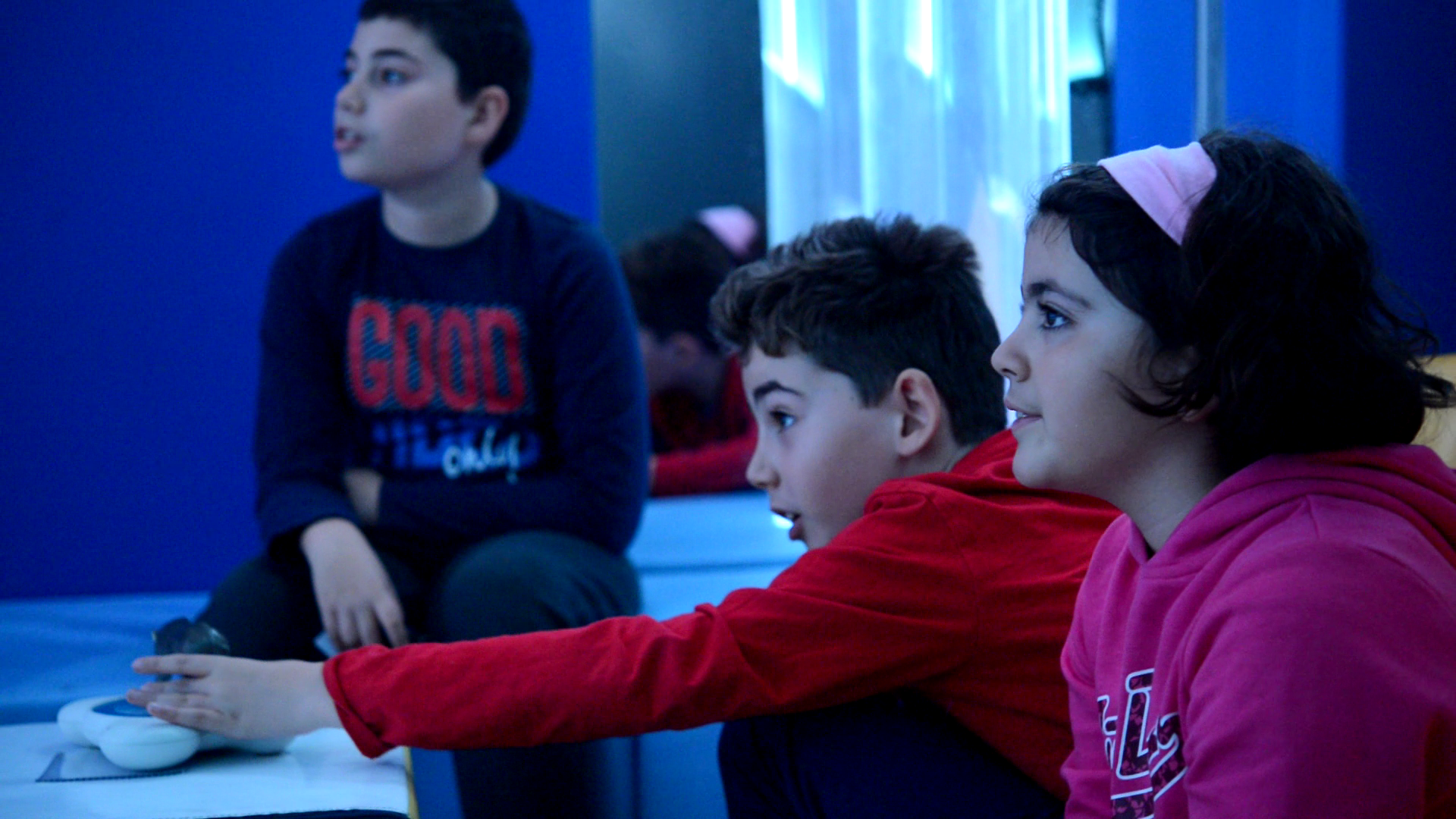 Simply place any object on the SHX Proximity tray and watch as the entire room comes to life with lighting, images, sounds, vibrations, and more.
SHX Proximity is very easy to use. The system includes cards and stickers that can be programmed to trigger SHX content. Each card or sticker can be customized and linked to specific scenes or activities.
Once the programmed object is placed on the tray, the room delivers the immersive experience you have assigned.
Explore multisensory spaces through objects with the Magic Table
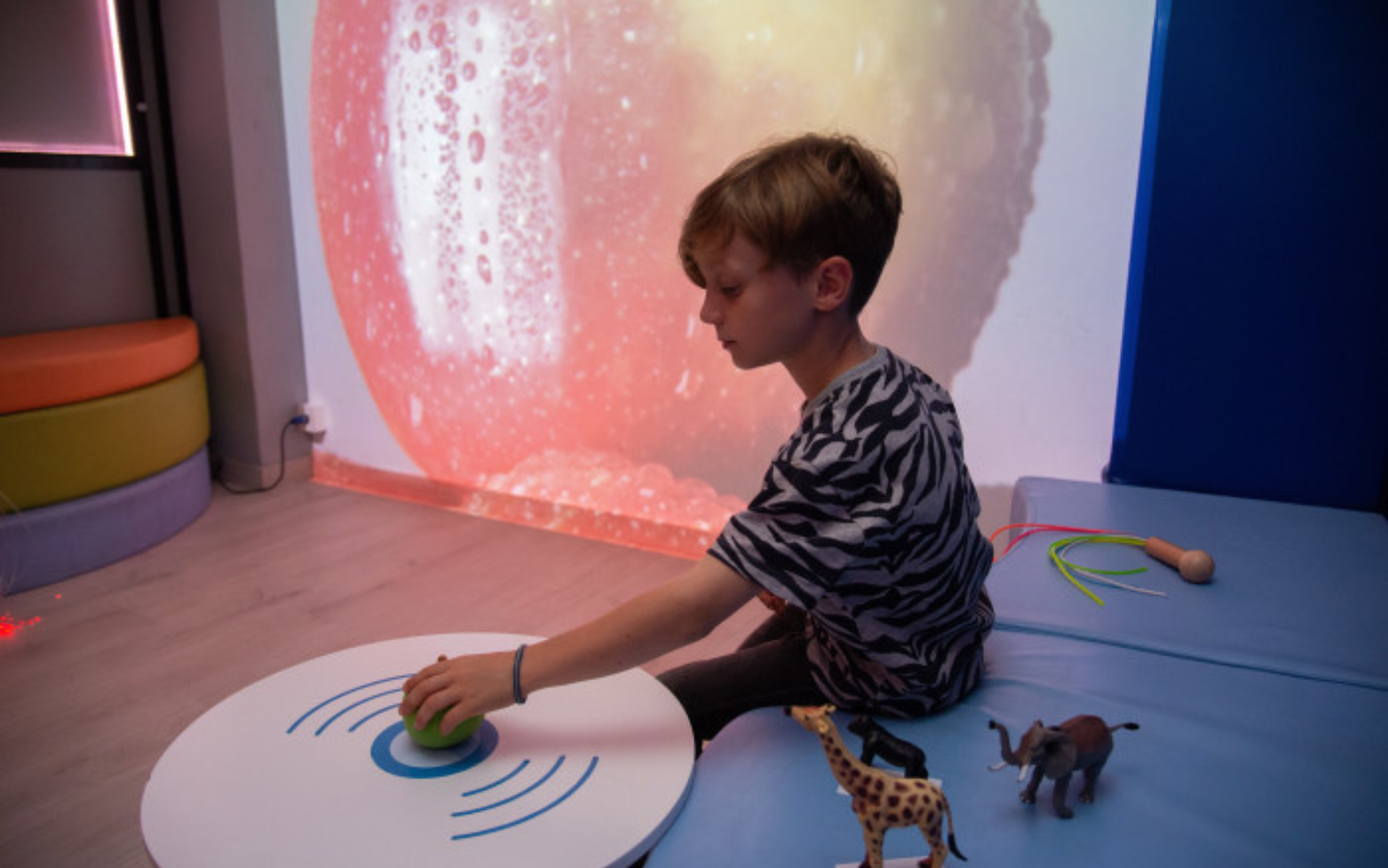
The Magic Table is another exciting way to interact within a multisensory room. By using real objects, users can transform the entire space into a themed environment connected to what they place on the table.
Simply place an object on the Magic Table and the room comes alive. Lights, images, sounds, music, vibrations, and other multisensory effects activate together, creating a fully immersive experience. An object can instantly transport users to the jungle, space, the sea, or any environment you choose.
The system is fully customizable, allowing you to create your own thematic environments using personal images, videos, and sounds.
It also opens up valuable therapeutic and educational opportunities. By associating everyday objects—such as toys, pictures, materials, or cards—with multisensory content, it supports attention, interaction, memory, cause-and-effect understanding, and communication.
Easy to configure and fully integrated into the SHX System, the Magic Table combines tangible interaction with immersive technology to create meaningful, engaging sensory experiences.
Experience control with Button 6
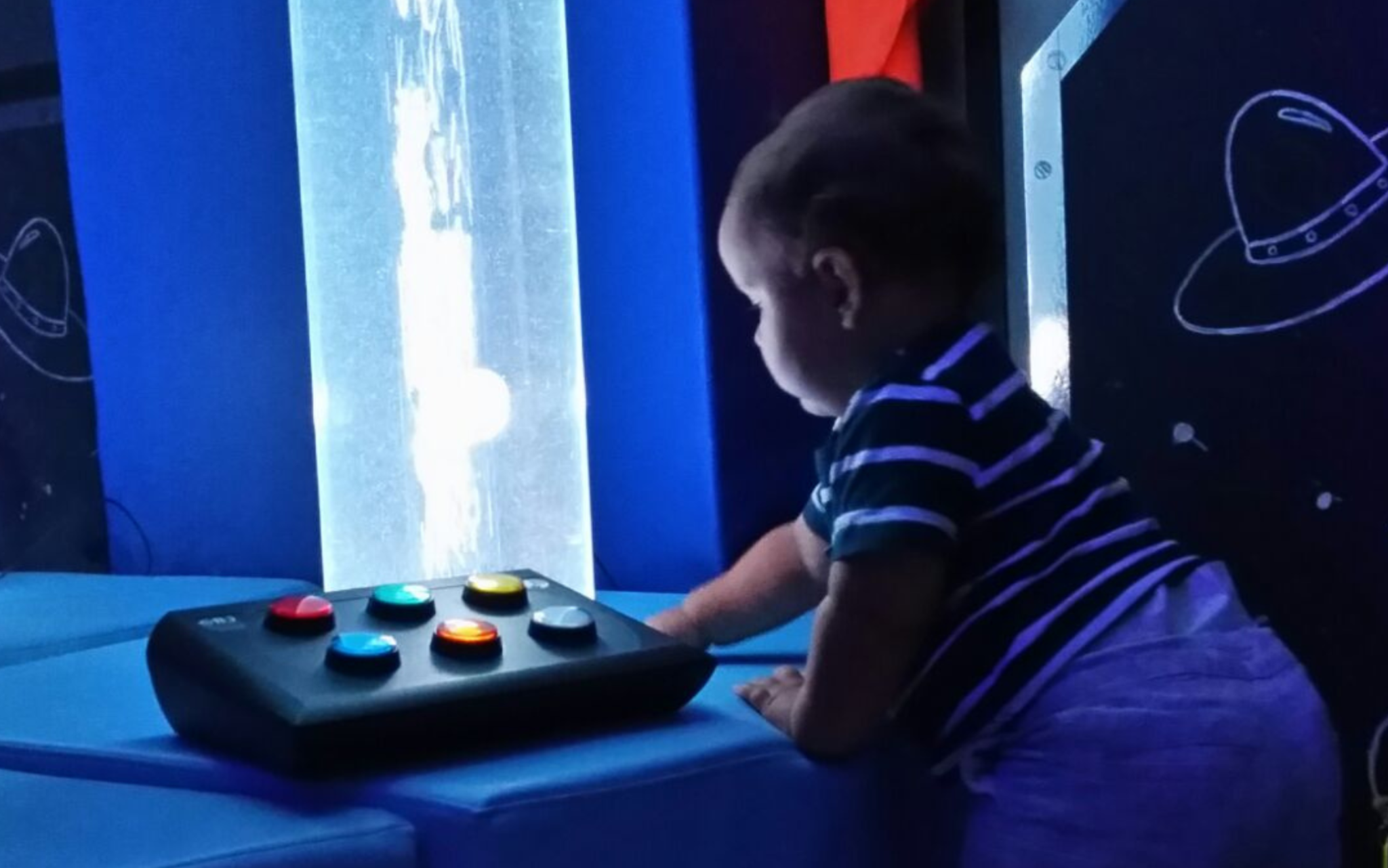
Button 6 is a versatile controller with six buttons that makes interaction with multisensory room elements simple and intuitive.
By touching different buttons, users can activate and change sensory elements such as lighting, colors, or effects, either individually or across the whole room.
It can be used both with Luminea lighting devices and as a controller for the SHX System allowing sessions to be adapted to different needs and objectives. Its flexible configuration makes it easy to adjust how the environment responds, supporting clear, accessible, and meaningful interaction.
With Button 6, users gain precise and adaptable control over the sensory space, encouraging participation and cause-and-effect understanding.
In summary
There are multiple control methods that make it possible to interact with an SHX Sensory Room in meaningful and accessible ways. By adapting how people engage with the space, these tools support learning, communication, and sensory regulation across a wide range of needs.
Free Project Design
If you want to learn more about the benefits of Multisensory Environments or see how you could adapt it to your space, therapeutic goals, and users, you can send an email to hello@qinera.com.